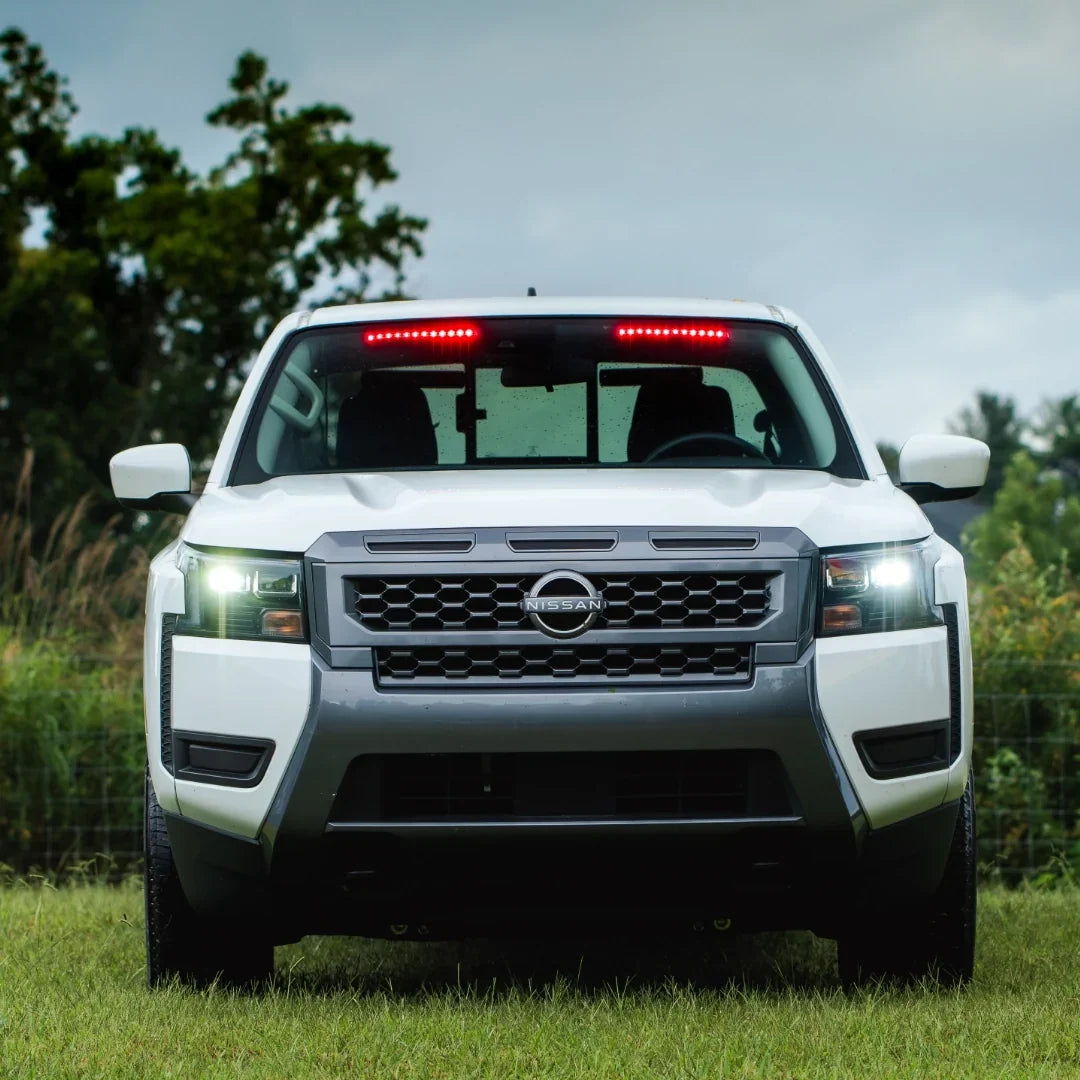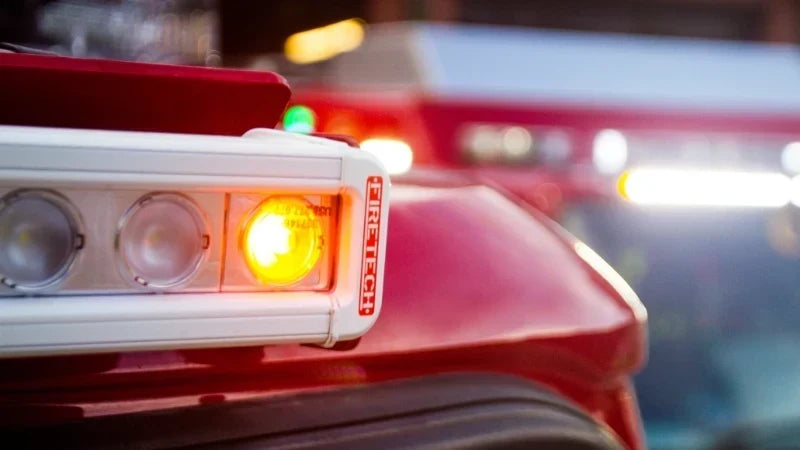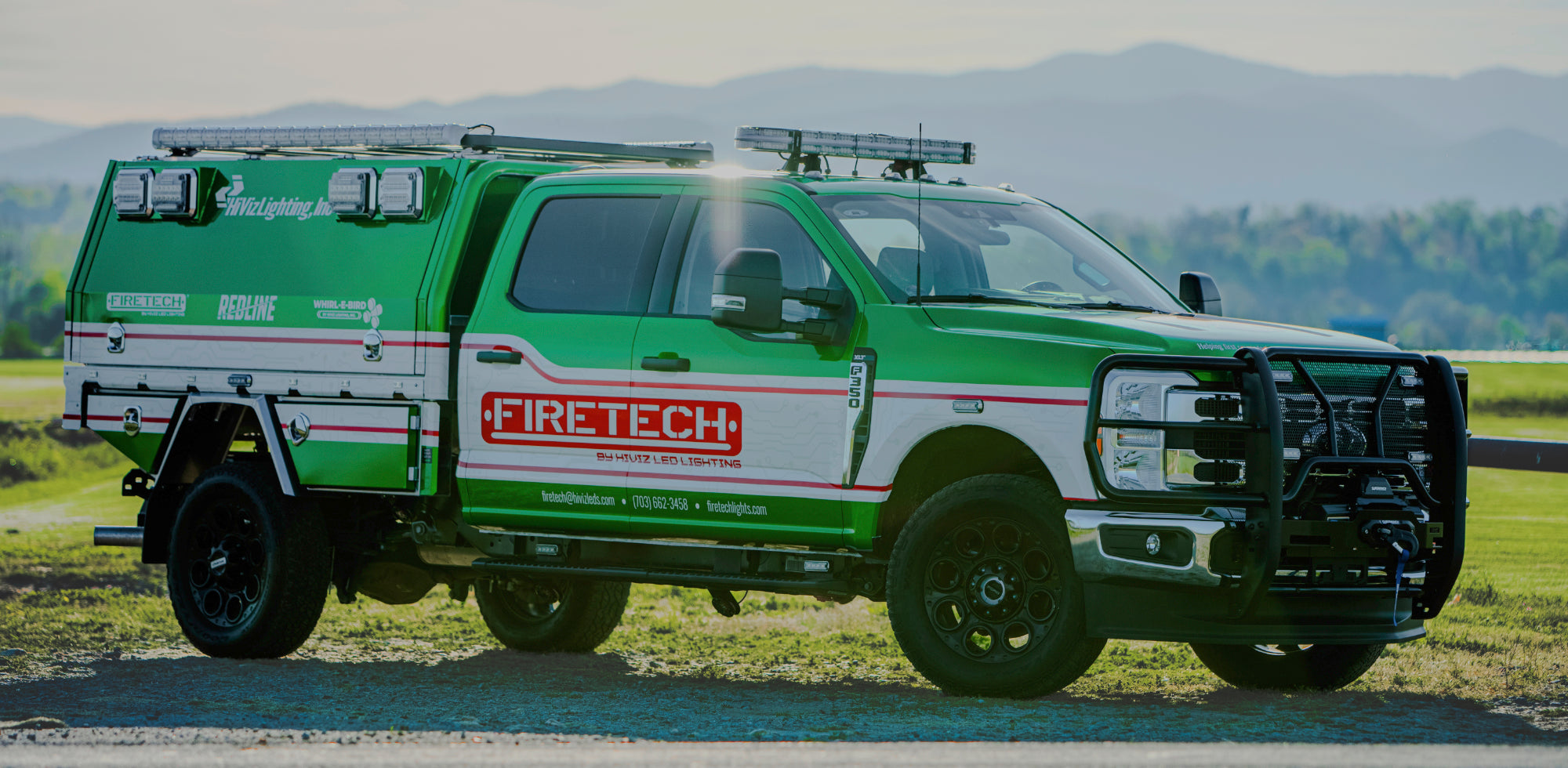

This is Post 2 in FireTech's brow light series. Post 1 is why FireTech. Everybody already won the brightness argument. BG2 is what you spec when the question is what those lumens should do.
HiViz has said that out loud. Once the industry finished arguing about raw output, the useful work moved to control, glare, and whether the lighting on the truck helps the whole scene, including the civilian driver who still has to get past it.

What BG2 actually is
BG2 (and the smart version, BG2S) is a modular lighting system built around a 4-inch light module. Those modules ride an extrusion tooled for the install location (front of cab, side of cab, side of body, rear of body) instead of a one-size bar the shop has to talk onto the roof.
Each module carries multiple LED circuits across separate optical groups. In practice, one run of BG2 can do work that used to take a brow light, a set of warning modules, and a traffic director, without turning the cab roof into a hardware store.
The building blocks on the FireTech site:
- BG2S 4" module — 3.937" × 4.606" × 3.544", 32W peak, 2.5A max at 12.8V
- BG2S User Interface Panel (UIP) — FT-BG2S-UIP-001, or FT-BG2S-UIP-001-MOUNT in the black housing
- BG2S Standalone Controller — FT-BG2S-SAC-001
- BG2S System Manager — FT-BG2S-SM-001
Input is 9–32V DC. Sealing is IP67/69K. Vibration is rated to ISO 16750-3. Length is a module-count problem, not a “we only tool three bars” problem. Standard and smart versions both exist. Get the part number from a FireTech team member instead of guessing from a spreadsheet.

Glow and Go: the FDNY problem, productized
FDNY came to HiViz with a problem every busy department already knows. The lights that are right for an incident are the wrong lights for the rest of the night: overhaul, routine work around the rig, anything where you don't want to flatten the neighborhood with a white wall of output.
Dimming the same optic is the lazy fix. It still throws light the same direction, just weaker. BG2's better answer is a dual-mode optical approach:
- Glow uses a downward-facing optic. Soft halo around the apparatus. Enough light to work. Not a weapon aimed at the opposite lane.
- Go is high-power incident lighting when the crew needs the scene, not the courtesy mode.
On the front of the apparatus, that downward bias is the point. Light on the pavement and the work area. Less light into the eyes of the driver who is still moving through an open lane.
The UIP is how that becomes a button instead of a wiring diagram.

What the User Interface Panel actually does
The BG2 User Interface Panel is the system manager the operator can actually see. Without it, BG2 is a capable set of modules. With it, BG2 is a system.
The panel is built so the crew doesn't need a custom switch bank for every function:
- All-call Glow and Go on the illumination circuits
- Independent control of traffic director and scene circuits per side of the vehicle
- Single-panel or multi-panel control
- Automatic low-voltage detection that pulls output back so the fixtures don't outrun the apparatus electrical system
- Layout awareness, the UIP tracks where each fixture sits and assigns wrap and extend behavior from that layout
- Optional integration with the HAAS Alert Safety Cloud, so the truck can push a digital alert into equipped vehicles in addition to the photons on the street
That last point matters because collisions with first-responder vehicles keep climbing, and a lot of that is distracted driving. A brighter warning light doesn't automatically fix a driver who's looking at a phone. Pairing dimmable warning aimed at traffic with a digital alert is the grown-up version of “make it flash harder.”
Why the extrusion is custom
Shadowing on a fireground is usually a placement problem pretending to be a lumen problem. If the fixture sits back from the edge of the cab or body, the body itself becomes a visor and you light the sky.
BG2's rule is simple: match the extrusion to the cab (or the body location), mount the track, and stop fabricating. Front-of-cab, side-of-cab, side-of-body, and rear-of-body each have their own configuration guides on the product page. That's the opposite of the old “cut a bar and hope the radius cooperates” workflow.
If you're spec'ing a new cab, start with the configuration guide for that location and a FireTech specialist. Don't reverse-engineer a part number from a photo of somebody else's truck.
Where BG2 belongs in a spec....and where it does not
BG2 is the right call when:
- The department wants one family of fixtures to cover scene, warning, and traffic-director logic
- The cab needs a matched extrusion, not a generic 72-inch stick
- Glow / Go or dimmable warning is part of the operational intent
- HAAS Alert or multi-panel control is on the wish list
- The truck is a platform, not a one-off bar
A classic Brow Light is still the right call when:
- The spec is a proven multi-circuit forward scene fixture with optional DOT markers
- The shop and the department already know the FT-B-46 / 65 / 72 language
- The cab is a candidate for the 72" 3-piece kit and nobody is asking for modular warning in the same housing
Those two products are cousins, not replacements. Plenty of fleets will run classic Brow Lights on the current apparatus and BG2 on the next one. That's a perfectly reasonable path.
How to spec it without painting yourself into a corner
- Pick the location first: front of cab, side of cab, side of body, rear of body.
- Download the matching BG2S configuration guide from the BG2 product page.
- Decide whether the truck needs the UIP, a standalone controller, a system manager, or a combination. If a firefighter is supposed to change modes on scene, budget the UIP.
- Decide marker, traffic-director, and HAAS behavior up front. Those aren't clean afterthoughts.
- Confirm electrical budget. Low-voltage protection on the UIP is a safety net, not a license to ignore amp draw.
- Call FireTech for the part number. The site says that for a reason.
Read more in the Brow Light series