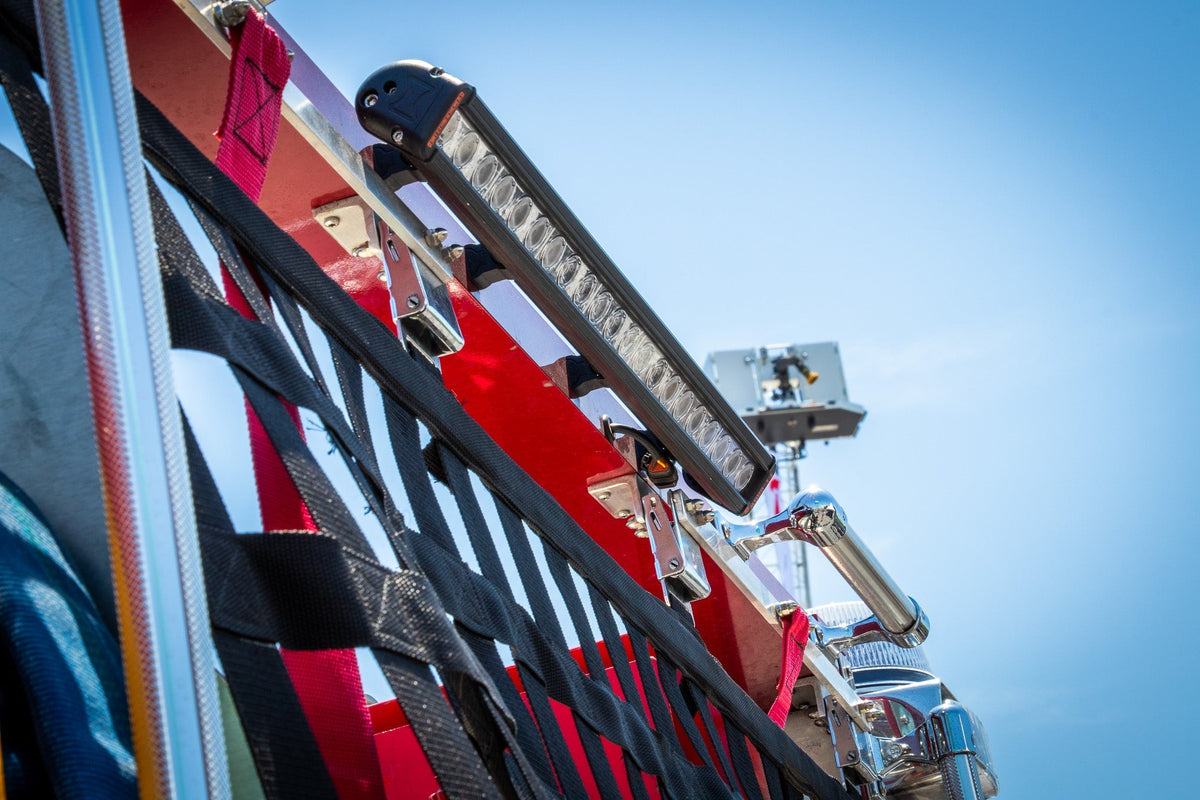


The Redline Explorer is 11.14 inches of tri-color warning that sits on the glass and throws light out the windshield instead of back into your face. Flexible silicone housing. 3M that actually holds. Two angles so the beam matches the glass.
The product page tells you what it is. The instruction manual tells you how to make it do exactly what you need. This is that deep dive: wiring and modes, setting flash patterns, locking them, color mode and color order, synchronization groups, low-power setup, and the installation sequence that keeps the bar on the glass through summer heat and winter cold.
Read the manual before you peel the adhesive. Everything below comes from it.
Wiring and the Four Modes
Black is chassis ground. Always.
The power wires are fused at 4A and drive the modes:
- Red - Mode 1
- White - Mode 2
- Red + White together - Mode 3
- Green - Mode 4 (or Low Power, once you set it that way)
- Yellow - Synchronization and flash-pattern selection
Mode precedence is Mode 4 over Mode 3 over Mode 2 over Mode 1. Higher mode wins when more than one is active.
The cigar-plug version ships connected only to Mode 3, Mode 4, and the yellow wire. That is enough for a quick plug-and-play setup. If you need all four modes and full control, cut the cigar plug off and hardwire the individual leads. The lighter plug is a starting point, not the finished install.

Defaults Out of the Box
Factory defaults (from the manual’s Default Setting Chart):
- Mode 1 (Red) - Color 1, Flash Pattern 18 Steady Scene
- Mode 2 (White) - Color 2, Flash Pattern 8 Double
- Mode 3 (Red + White) - Color 1, Flash Pattern 8 Double
- Mode 4 (Green) - Color 1 & 3, Flash Pattern 8 Double
You can leave them or change them. Each mode stores its own color selection and flash pattern independently.
Setting Flash Patterns
Activate the mode you want to program by applying constant +VDC to its wire (or wires). Then momentarily apply the yellow wire to +VDC:
- Once - advance to the next pattern
- Quick three times - jump to Flash Pattern #1
There's also a shortcut: while a mode is active, momentarily apply yellow to set the three trigger wires to single color and Steady EF (FP#6) for use with an external flasher.
The pattern list includes single, double, triple, quad, and quint (several SAE-rated), Random, Mega, Giga, Ultra, Steady Scene, Cruise, Sweep Single TA, Single H/L, Single-Triple-Quint, and dual-color patterns (FP#21–28) such as Single-Single, Double-Double, Triple-Triple Mid/Fast, Single-Quad, Quad-Single, and Quint-Quint. Dual-color patterns only work in dual-color modes.
Locking a Pattern
Once you have the pattern you want, keep the mode active and apply yellow to +VDC continuously for about 8 seconds. The light flashes once per second, then goes steady-burn to confirm the lock. Repeat the same hold to unlock - the light shows fast short flashes.
Lock the patterns you care about so a bump or an accidental tap on the yellow wire does not change them on the way to a call.
Color Mode and Color Order
The color package (Red/Blue/White, Amber/Green/White, etc.) tells you which LEDs are in the bar. It does not lock you into flashing every color every time. You choose which colors run, in which order, per mode.
To enter Setting Mode for colors:
- Power the unit completely off.
- Apply +VDC to the yellow wire first.
- Then apply +VDC to the mode wire(s) you want to program.
- Remove the yellow wire from power. The light indicates it is in Setting Mode.
While in Setting Mode, momentarily apply yellow to +VDC (less than 1 second) to cycle through available colors and color orders. The light shows the current selection. Single- and dual-color models have fewer options; tri-color models have the full set. Color order examples in the manual include straight sequential (1-2-3) and patterned sequences such as 21313, 31215, 327, and others.
Disconnect power to save and exit. The settings stick for that mode.
Changing Colors After They've Already Been Set
You can change them anytime. Re-enter Setting Mode the same way you did the first time:
- Power the unit completely off.
- Apply +VDC to the yellow wire first.
- Then apply +VDC to the mode wire(s) for the mode you want to change.
- Remove the yellow wire. The light indicates it’s in Setting Mode.
- Momentarily apply yellow to +VDC (<1 second) to cycle through the available colors and color orders until you land on the one you want.
- Disconnect power to save and exit.
Each mode keeps its own color selection and order independently, so you can change one without touching the others.
Full reset
Hold yellow to +VDC for more than 5 seconds. Rapid short flashes confirm the factory reset (all modes go back to defaults).
With the cigar plug
The cigar-plug version is only wired to Mode 3, Mode 4, and the yellow wire. That means:
- You can change colors and flash patterns on Mode 3 and Mode 4 without cutting the plug.
- Modes 1 and 2 are not accessible until you cut the cigar plug off and hardwire the individual Red and White wires.
On the dual-button cigar plug:
- Switch 1, Position I = Mode 3
- Switch 1, Position II = Mode 4
- Switch 2 = yellow (used for pattern changes, color cycling, locking, etc.)
So with the plug still on, use the switches to activate Mode 3 or Mode 4, then use Switch 2 (yellow) to enter Setting Mode and cycle colors/orders the same way as above. If you want full control of all four modes and their colors, cut the plug and hardwire.

Synchronization Groups
For multiple Explorers (or compatible Redline heads) to flash together or alternate, connect the yellow wires together and set every unit to the same flash pattern. In Setting Mode, apply yellow to +VDC for 1–4 seconds:
- Single flash - Group 1 (simultaneous)
- Double flash - Group 2 (alternating)
Reset to Factory Default
Apply +VDC to the yellow wire for more than 5 seconds. Rapid short flashes confirm the reset.
Setting Green as Low Power (Night Mode)
By default Green is Mode 4. To change it to Low Power:
- Power off.
- Apply +VDC to yellow, then simultaneously to Red, Green, and Yellow.
- Remove yellow to enter the mode.
- Momentarily apply yellow: single flash = Mode 4 (default); steady burn = Low Power.
- Disconnect power to save.
Installation: Angle, Adhesion, and Cure
Two shrouds. Do not mix them up.
- 30° Low Gradient - optimized for 17.5°–42.5° windshields (front dash/deck)
- 65° High Gradient - optimized for 52.5°–77.5° glass (rear or vertical)
Measure the glass with an inclinometer. Place the template on the outside of the glass. Use the included 5° foam pieces on the top or bottom of the unit to fine-tune within the range. The bar must sit level (0° horizontal) for correct beam projection - check with a spirit level before final mount.
Step-by-Step Mount
- Measure windshield angle and select the correct shroud and foam configuration.
- Clean the unit’s mounting surfaces with the IPA pad. Apply 3M AP111 adhesion promoter (installer-supplied) as a thin even coat. Let it dry 60 seconds until no longer tacky. Attach the non-adhesive side of the angle-adjustment foam to the top or bottom of the unit as required.
- Prepare the glass: Clean in one direction with the IPA pad; dry 60 seconds. Degrease first if needed. Apply 3M AP111 promoter over the cleaned area and let it dry 60 seconds.
- Remove the tape liner, align the unit level, and press firmly for 60 seconds. Secure the ends with masking tape (vertical then horizontal) while it sets.
- Cure minimum 72 hours indoors at room temperature. Do not put the vehicle in service until the adhesive has fully cured.
Tint film is a risk. Bond strength cannot be verified, and heat-aged film can create a secondary failure point. Install on bare glass whenever possible. If tint is unavoidable, the installer assumes full responsibility.
Route the cable using the wire hook so the exit faces downward. Avoid wear, pinching, or movement. Never route through airbag deployment areas. Do not warp the cable, bend it inward, or bend it more than 160°. Do not pull on it.
Commander Programmer
The Explorer is Commander Ready. The Redline Commander Programmer lets you set flash patterns, synchronization groups (phase), and color modes from a computer instead of tapping yellow wires. Useful when you are installing more than one head or want exact control without the sequence dance. Contact sales or see the Commander manual for details.
Do It Right Once
The Explorer eliminates the classic dash-light problem - backflash into the cabin - by geometry and materials, not by marketing. The silicone follows the curve. The 3M is the seal. The angle is matched to the glass. The rest is configuration: four independent modes, selectable colors and orders, lockable patterns, and the ability to sync or alternate with other heads.
Set the colors and patterns so the light matches how you run. Mount it level on clean glass with the promoter and the full cure. Then leave it alone until the next call. No doubt about it.